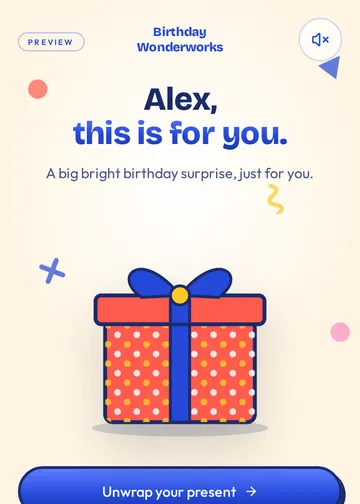
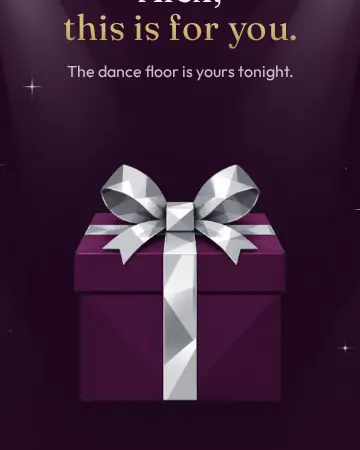
How to Send a Birthday eCard by Text
By The Birthday Wonderworks Team ·
To send a birthday eCard by text, you create the card online, copy its private link, and paste that link into a text message. The recipient taps the link and the card opens in their phone's browser — no app, no account and nothing to download. The whole process takes a few minutes, and the same link works just as well in email, WhatsApp or any other chat.
Below is the exact process using Birthday Wonderworks, plus tips on timing and what to write alongside the link so it doesn't look like spam.
Step by step: from blank card to sent text
- Open the builder and choose a theme. Each theme restyles the whole experience — the gift, the wishes, the cake and the finale.
- Add their name. Their age is optional: if you add it, the finale can say "Happy 40th"; if you don't, every scene uses warm, age-neutral wording.
- Add your name and how you know them, so the card is signed by you.
- Pick up to five birthday wishes and write your personal message. Your message appears word for word.
- Preview the full experience before you pay. Go back and edit anything you like.
- Check out once for $2.99. You'll immediately get the private link on screen, and a copy by email.
- Tap the share options (text, email, WhatsApp and more) or copy the link and paste it into any conversation.
Sending the link by text message
On a phone, the text option opens your messaging app with the link ready to go. On a computer, copy the link and send it from your phone, or use a messaging app that syncs with your laptop. A short line before the link helps the recipient trust it — people are rightly cautious about unexpected links.
Happy birthday! I made you a little something — tap to open 🎁
It's your day! This one's from me. Turn your sound on and open it.
I couldn't be there, so I sent a surprise instead. Happy birthday!
Free to read and copy. Turning a message into an interactive birthday card is $2.99 one-time.
Sending by email, WhatsApp or other chats
- Email: use a clear subject such as "A birthday surprise from Jamie" so it isn't mistaken for a promotion.
- WhatsApp: the share button opens WhatsApp with the link filled in; choose the chat and send.
- Group chats: post the link in a family or friends group so everyone sees it land — only people with the link can open it.
- Social apps: paste the link into a direct message. Links are private, so avoid posting them publicly.
When to send it
Morning of their birthday, in their time zone, is the classic choice: it's the first thing they see. If they live far away, check their local time before sending. You can buy the card days ahead and simply hold the link until the moment is right — nothing is sent automatically, so you're in control of the timing.
Tip: Sending on a busy workday? Add "open it whenever you have a quiet minute" so they save it for a moment when they can enjoy it with sound.
Common questions about digital birthday cards
Does the recipient need an app?
No. A birthday e-card from Birthday Wonderworks opens in any modern phone or computer browser. They don't sign up for anything.
Can they open it more than once?
Yes. The link keeps working, so they can replay the experience or show it to someone else later.
What if I don't know their age?
That's fine. Age is optional and the experience never guesses. Without it, the finale reads "Happy Birthday, Alex!" with the same celebration.
Turn these words into a birthday surprise.
Choose a theme, add your message, and create a personalized Birthday Wonderworks for $2.99.